


In today’s digital age, storing data efficiently and securely is more important than ever. Whether you’re a professional needing reliable storage for large files, a gamer wanting faster load times, or just someone looking to back up precious memories, choosing the right hard drive can make a significant difference. This article offers an overview of the best hard drives available in 2023, comparing features, speeds, capacities, and prices.
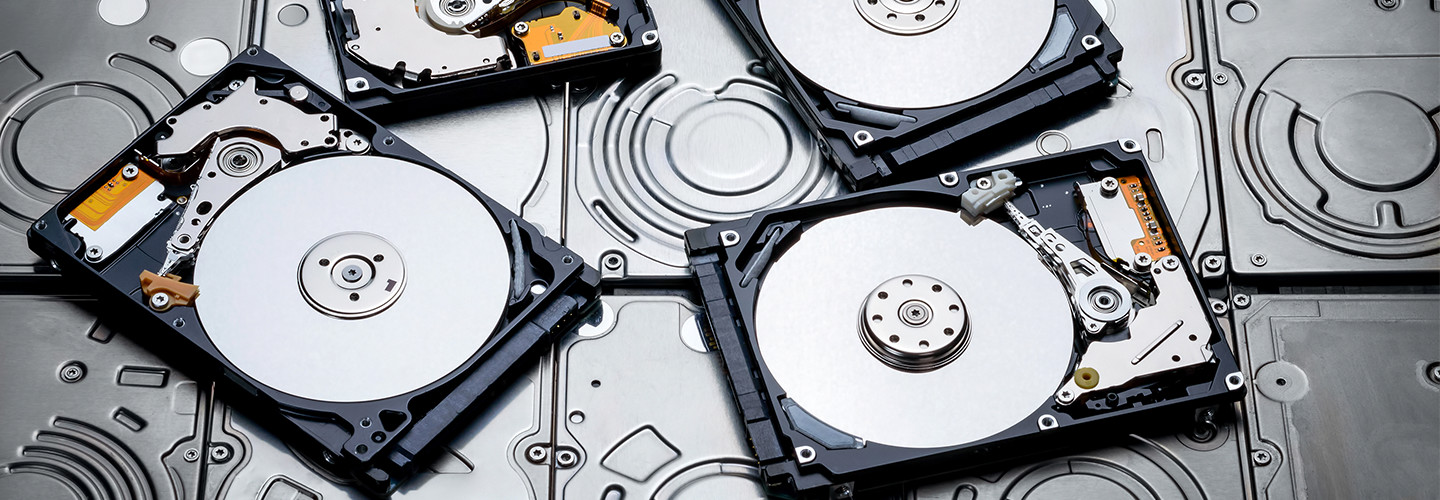
Understanding Hard Drive Types
Before diving into the best options, it’s essential to understand the two main types of hard drives available:
1. Hard Disk Drives (HDDs)
- Mechanism: Traditional spinning disks that read and write data mechanically.
- Pros: Generally, HDDs offer more storage for a lower cost compared to SSDs, making them ideal for storing large amounts of data.
- Cons: Slower read and write speeds, more prone to physical damage, and higher power consumption.
2. Solid State Drives (SSDs)
- Mechanism: Use flash memory to store data, with no moving parts.
- Pros: Faster read/write speeds, more durable, faster boot times, and lower power consumption.
- Cons: Generally more expensive per gigabyte than HDDs and can have lower storage capacities.
Top Hard Drives of 2025
1. Samsung 870 EVO (2.5-inch SSD)
- Type: SSD
- Capacity: Up to 4TB
- Read/Write Speed: Up to 560/530 MB/s
- Pros: Excellent performance and reliability, offers great software support (Samsung Magician), high endurance for extensive usage.
- Price: $60 – $350 (depending on capacity)
2. Seagate Barracuda (3.5-inch HDD)
- Type: HDD
- Capacity: Up to 14TB
- Read/Write Speed: Up to 210 MB/s
- Pros: Excellent value for capacity, good performance for general usage, ideal for desktop PCs.
- Price: $50 – $400 (depending on capacity)
3. Western Digital Black SN850 (M.2 NVMe SSD)
- Type: SSD
- Capacity: Up to 2TB
- Read/Write Speed: Up to 7000/5300 MB/s
- Pros: One of the fastest drives available, ideal for gaming and high-performance applications, comes with a heatsink option.
- Price: $130 – $350 (depending on capacity)
4. Crucial MX500 (2.5-inch SSD)
- Type: SSD
- Capacity: Up to 2TB
- Read/Write Speed: Up to 560/510 MB/s
- Pros: Affordable price point, solid performance, integrated power loss immunity.
- Price: $60 – $220 (depending on capacity)
5. Toshiba X300 (3.5-inch HDD)
- Type: HDD
- Capacity: Up to 14TB
- Read/Write Speed: Up to 204 MB/s
- Pros: Excellent for gaming due to performance, high capacity, and reliability for media applications.
- Price: $60 – $400 (depending on capacity)
6. ADATA XPG SX8200 Pro (M.2 NVMe SSD)
- Type: SSD
- Capacity: Up to 2TB
- Read/Write Speed: Up to 3500/3000 MB/s
- Pros: Outstanding performance for gaming and creative work, excellent value for price, good thermal management.
- Price: $80 – $250 (depending on capacity)
Factors to Consider When Choosing a Hard Drive
- Purpose: Determine whether you need fast access speeds (SSDs) or large capacity for storage (HDDs).
- Compatibility: Ensure the hard drive is compatible with your device (laptop, desktop, gaming console).
- Budget: Set a budget that balances performance and capacity while considering potential future needs.
- Durability: Look for drives with good customer reviews regarding longevity and reliability, especially if you’re using it for critical data storage.
- Warranty: A longer warranty can indicate reliability and offers peace of mind.
Conclusion
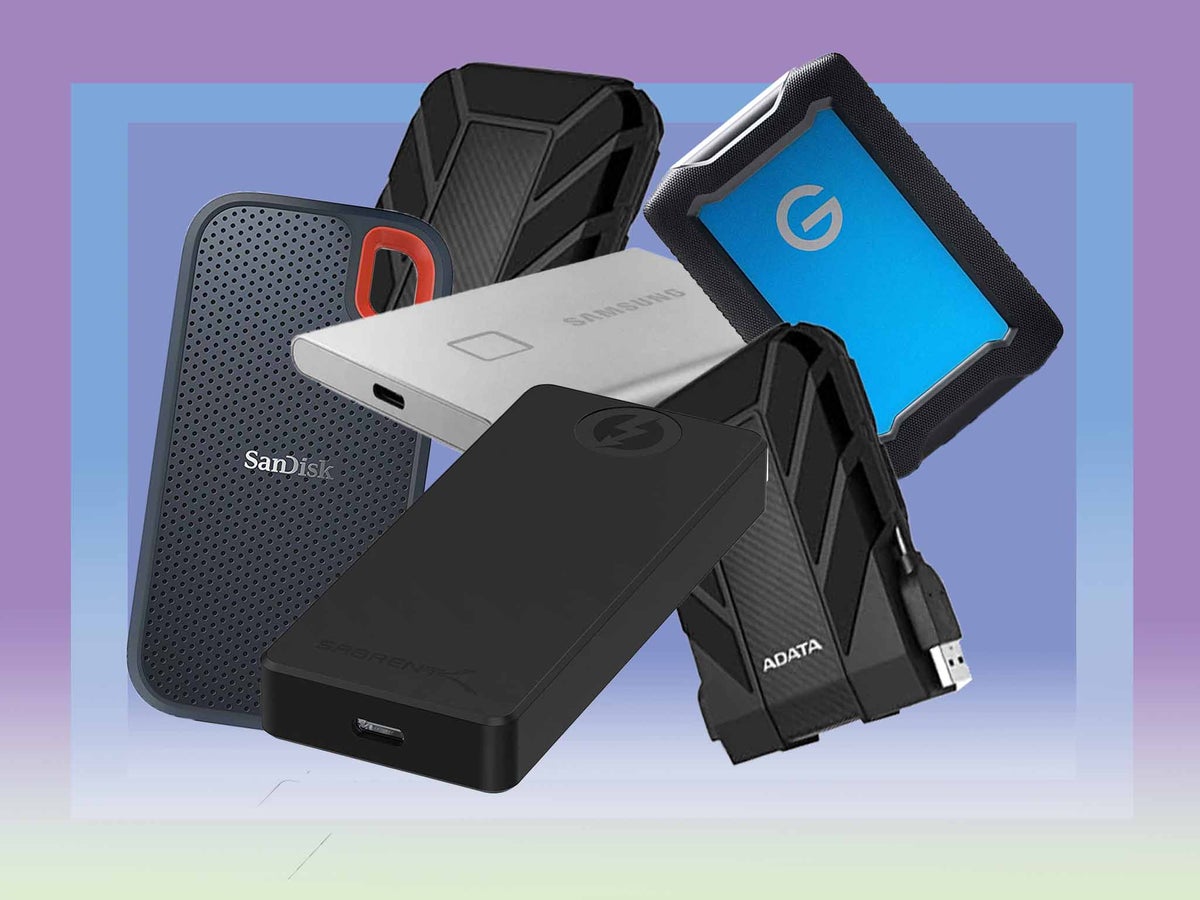
Selecting the right hard drive can significantly influence your workflow and data management. In 2023, the market offers various options catering to different needs and budgets, from high-speed SSDs for performance-oriented tasks to spacious HDDs for budget-conscious users. By considering your storage requirements and understanding the differences between drive types, you can make an informed choice that will serve you well for years to come.
Remember to also consider the importance of regular backups and disaster recovery options to ensure your data remains safe, regardless of the hard drive you choose.
